Imagine if AIactually knew your work
Once you connect Granola, it can.

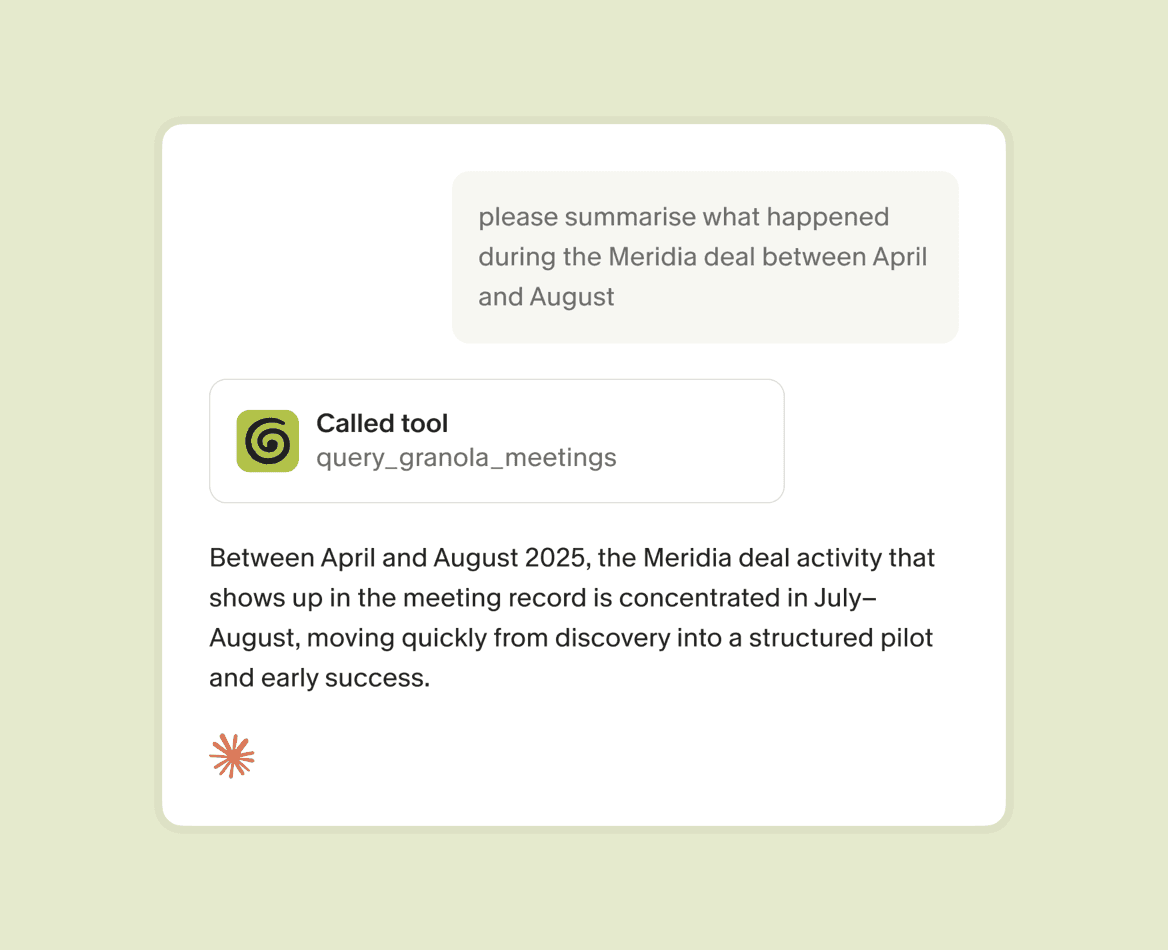
please create a report on all the user research calls from the last month

Queried your Granola meeting notes via MCP
I've pulled together a presentation summarising all 12 user research calls from the last month.
User research presentation
Slide deck
View

Do more with all your AI apps


A shared memory for your agents and your team
MCP pulls context from your Team Space too. So user research, sales calls and recurring team meetings from across your company are available in your AI app of choice.
MCP is off by default for enterprises, and admins decide whether to turn it on.
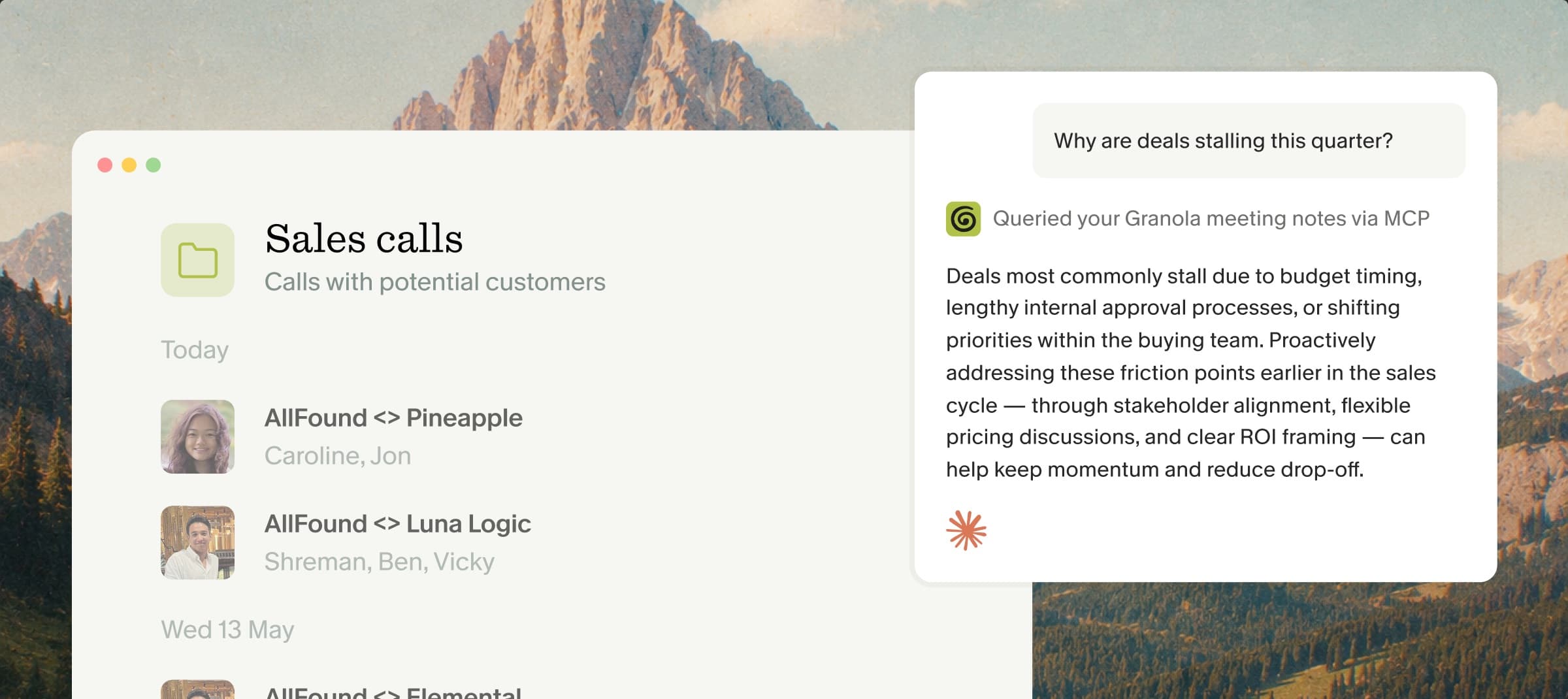
How it works
1. Find Granola in your AI app
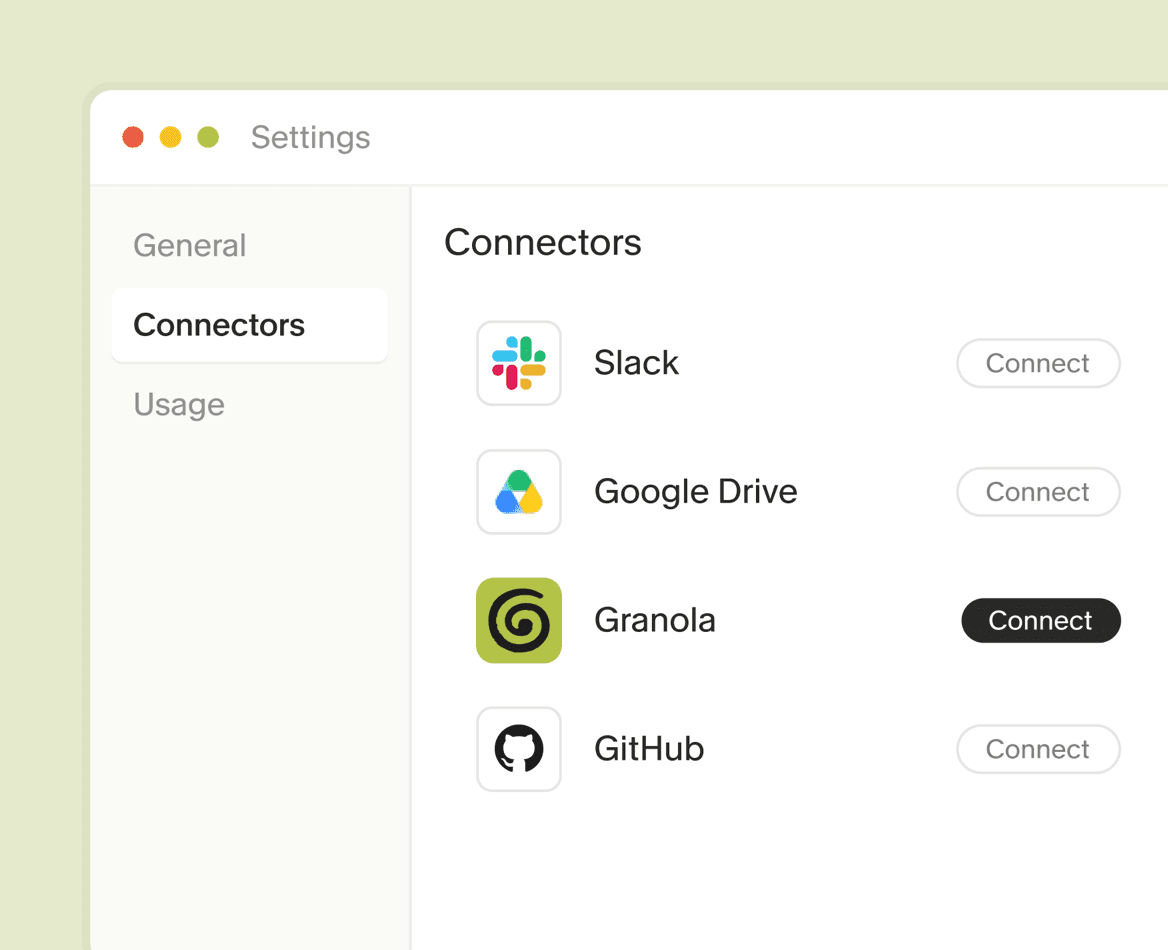
2. Sign in with your Granola account
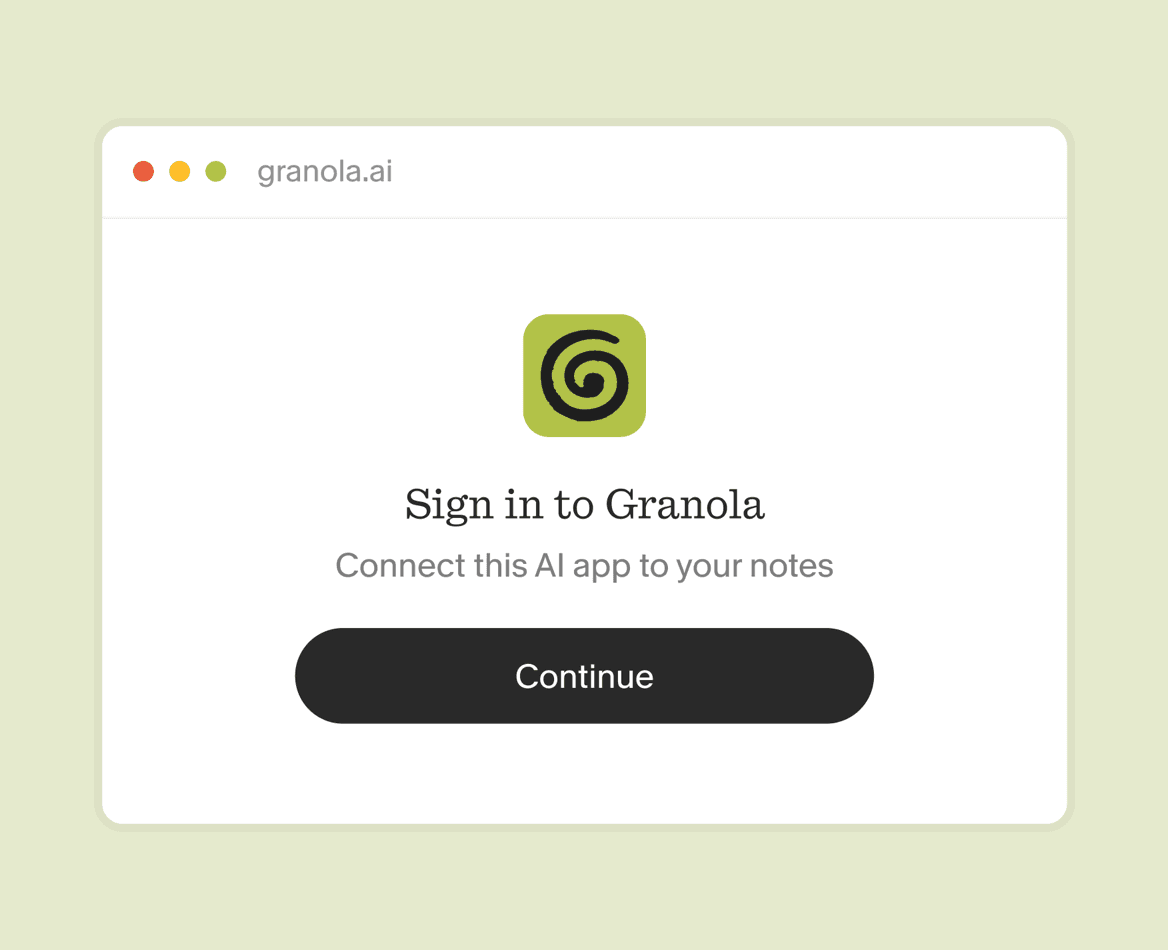
3. Ask anything about your notes
Helping busy people through busy days


Questions and answers
Model Context Protocol is how AI apps plug into other tools. USB-C for context. Connect Granola once, and Claude, ChatGPT, Cursor and the rest can work from your meeting notes instead of waiting for you to paste them in.
Yes, for questions about your meetings. What was said, what was decided, what to do next. Use MCP when you are already in Claude, ChatGPT or Cursor, and you want those tools to know what you have been talking about.
No. Granola notes are structured from your point of view, with people, decisions and intent already in them. That is a better feed for an agent than a raw transcript, and a cheaper one. Transcripts are there when you need the exact words.
Official connectors for Claude, ChatGPT, Cursor, Figma, Copilot, Mistral, Grok and more. Any app that can use an MCP server can connect with https://mcp.granola.ai/mcp. See the integrations page, or the setup guide.
Yes. Free covers your own notes from the last 30 days. Business adds history and workspace notes. Enterprise lets an admin decide.

Unlimited meeting notes for free
Take as many notes as you’d like. Upgrade to view and work with notes older than 30 days.